Downloads
On this page you can download:
Downloading the Virtual Belfry Program
Please note that the ringer images require a separate download and setup (see below). There is no charge for the images, but the download is quite large and is separate from the program to facilitate future program upgrades etc.
New Customers
Click on the link below to download the latest version (3.10). It will run with all features enabled, but until you purchase it (using the
ordering page), it will run in "evaluation mode". The main limitation is that each time you start the bells ringing they will ring ten whole pulls and then stop.
New customers download "virtual_belfry_3-10_setup.exe" (63Mb)
Don't forget to download and install the ringer images as well.
Existing customer upgrading from versions 3.x
If you are already running version 3.0 or later, click on this link to download the 3.10 patch:
Download "virtual_belfry_3-10_patch_setup.exe" (14Mb)
(upgrades 3.x to 3.10)
Existing customers with versions earlier than 3.0
If you are running a version earlier than 3.0 (i.e. 2.x or 1.x), upgrades to the latest version are still possible at no cost. For instructions please
contact the author.
Download "virtual_belfry_ringers_1-0_setup.exe" (208Mb)
Images for two towers can be downloaded and installed as a trial prior to
purchase. In trial mode the animation will run for two whole pulls before stopping (while the ringing itself continues). If you purchase a tower's images, they will be provided by separate download. The purchased images will, of course, run indefinitely (provided you have also purchased the program).
More details about the tower images can be found on the page about the Bells Window.
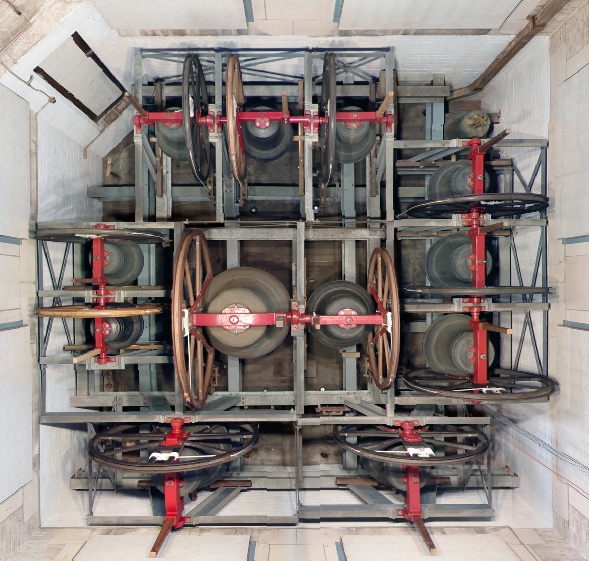
Twelve Bells
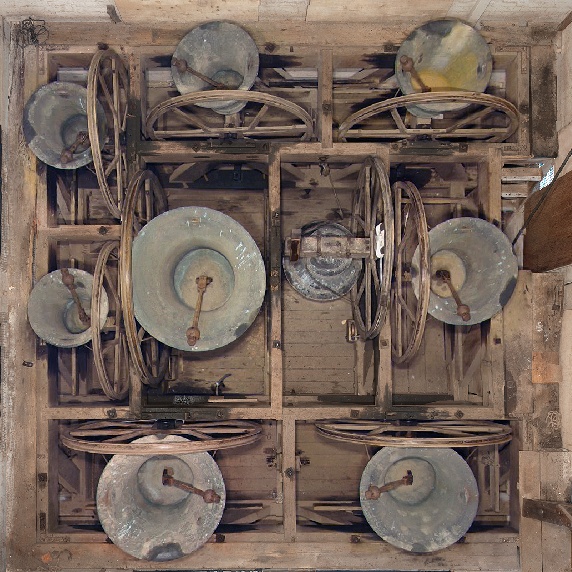
Maryborough
Note: when you purchase either of the two sets of images above, the images for the original eight bells at St. David's, Hobart, are also provided.
Installing Virtual Belfry Setup Files
To download and install any of the above options, follow these instructions:
- Exit from Virtual Belfry if you happen to have it running;
- Click on one of the above download options to begin the download;
- Opt to save the file, to a convenient location on your computer, such as your desktop;
- After the download has completed, double click on the downloaded file to run it;
- Go through the steps that are presented to you to complete the setup process.